Whether you train solo or follow a plan from your coach, here is how to get the most out of koholo day to day.
1. Create your account
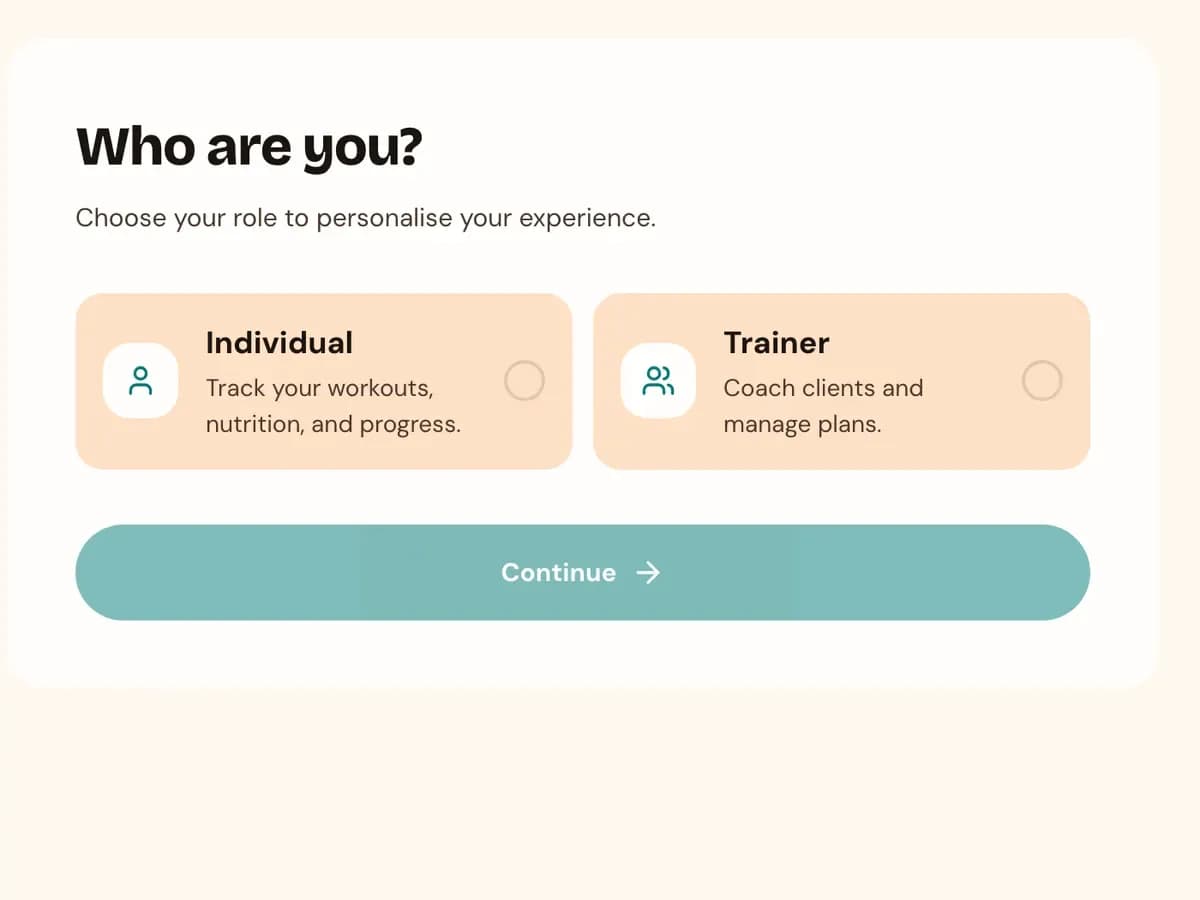
Sign up and choose the individual role during onboarding. If you work with a trainer, ask them for their invite code or QR code and enter it from the app — once they approve the connection, any plan they assign shows up on your home screen automatically.
2. Follow your plan
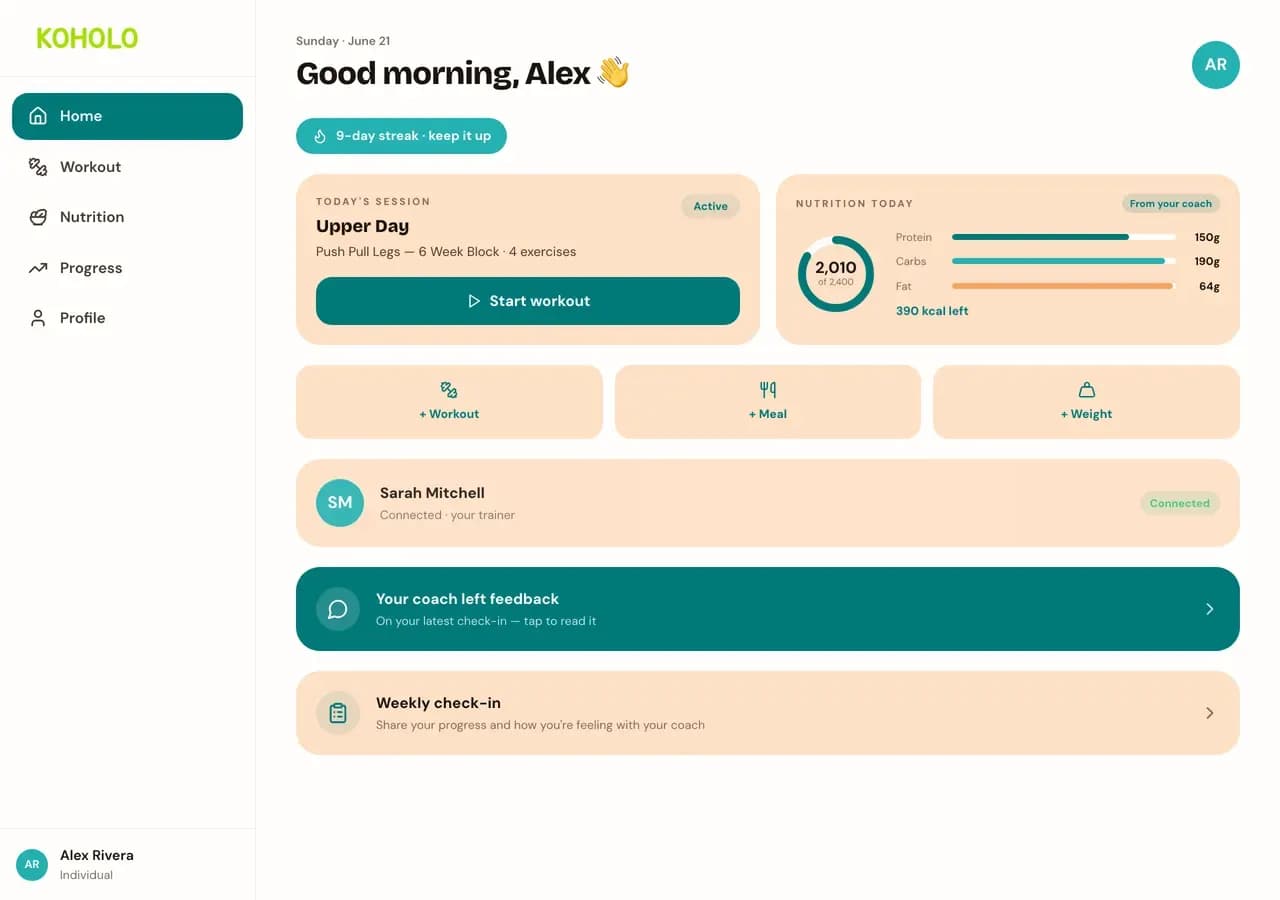
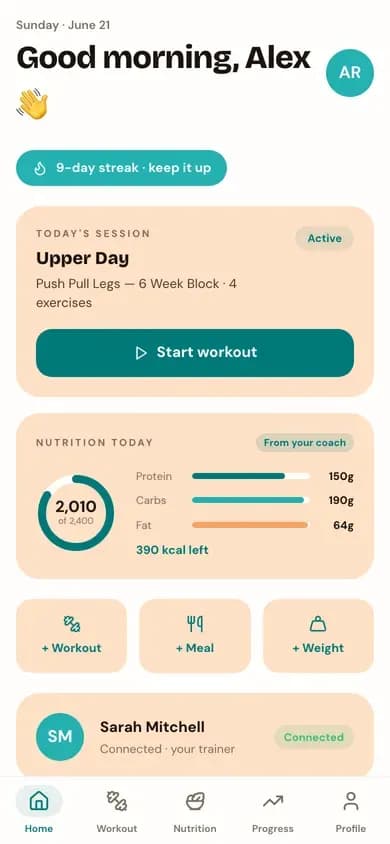
Your home screen shows what to train today, straight from the plan your trainer assigned — or one you built yourself if you train solo. Nutrition targets work the same way: a coach-assigned calorie and macro goal is marked "From your coach" wherever it appears.
3. Complete a workout
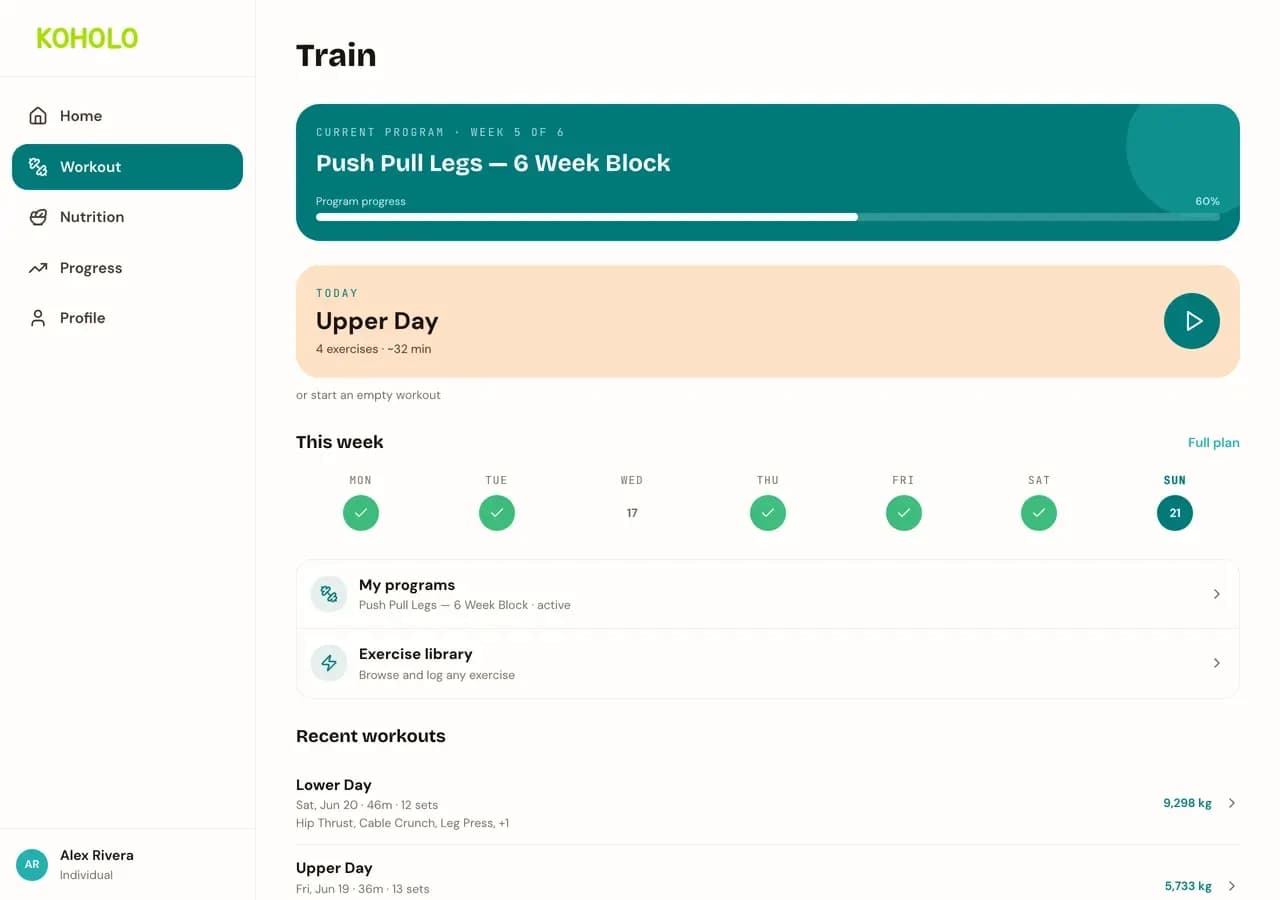
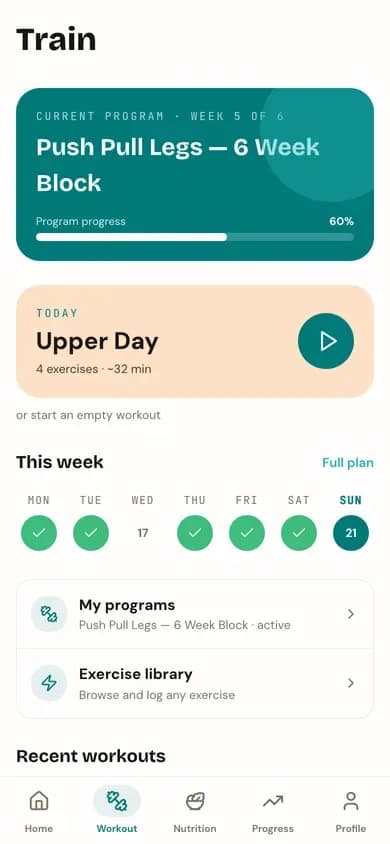
Start today’s session from Workout, log each set’s weight and reps as you go, and finish to save it to your history. Your trainer can see it the moment you save — no separate sync step.
4. Track your nutrition
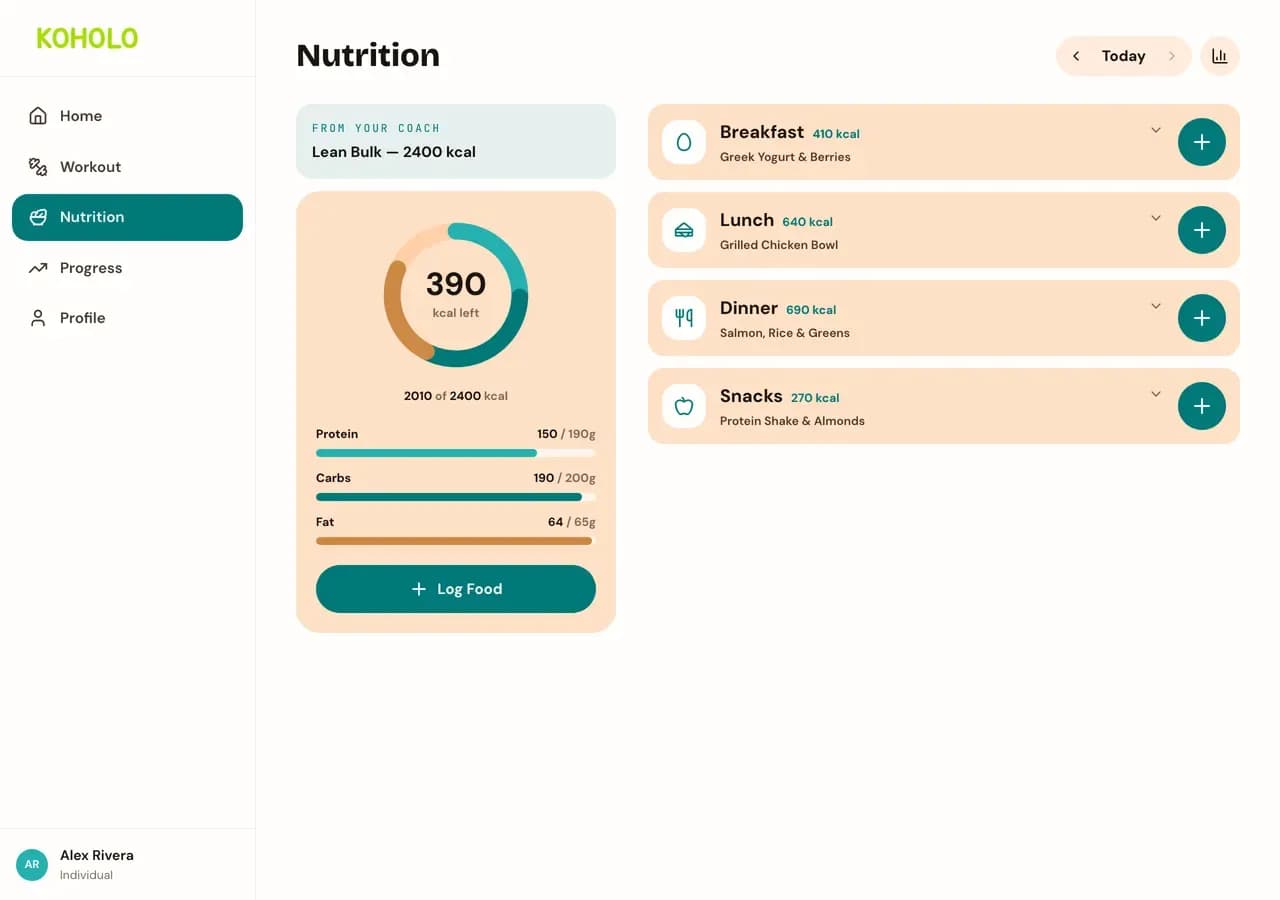
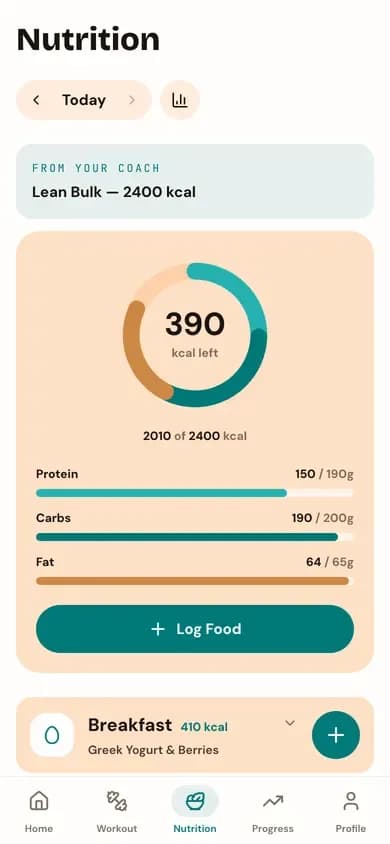
Log meals by searching the food database, scanning a barcode, or entering details manually. Your remaining calories and macro progress update immediately, against either your own goals or the targets your coach set.
5. Build and maintain streaks
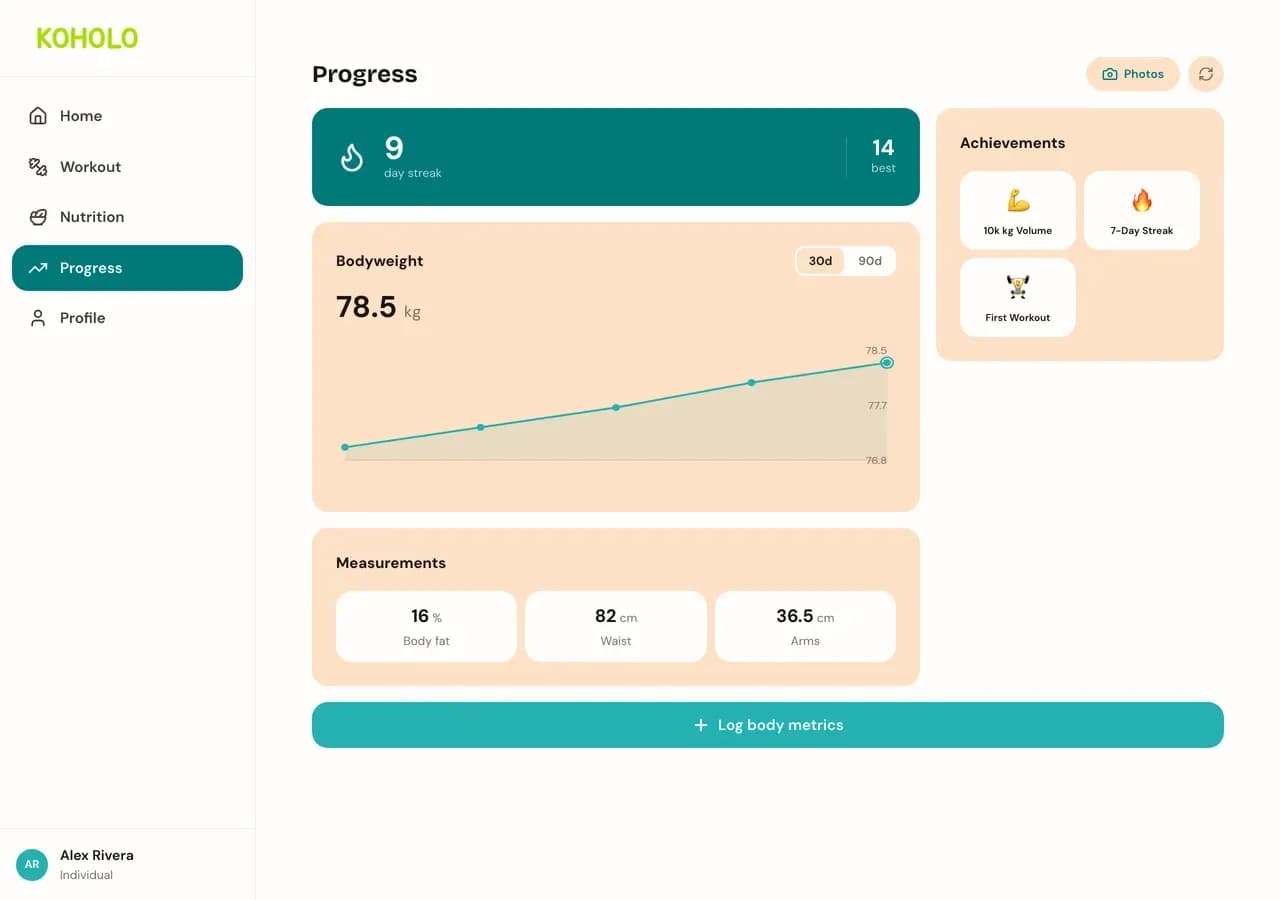
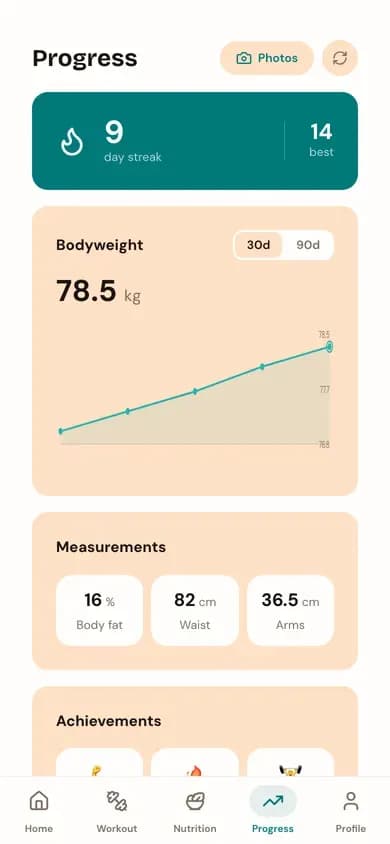
Progress tracks your day streak, bodyweight trend, and measurements in one place, alongside achievements you unlock as you log consistently. A weekly check-in is the fastest way to tell your coach how training is actually going.
Also works on your phone
Every screen above reflows for a phone, with a bottom tab bar in place of the sidebar.
Ready to log your first workout?
Create your free account — no credit card required.
We use analytics cookies to understand how the site is used. This choice only applies to public pages — we never track your workouts, meals, or other account data.