From your first client invite to reviewing a weekly check-in, here is how trainers build plans, assign them, and stay on top of every client’s progress.
1. Create your account
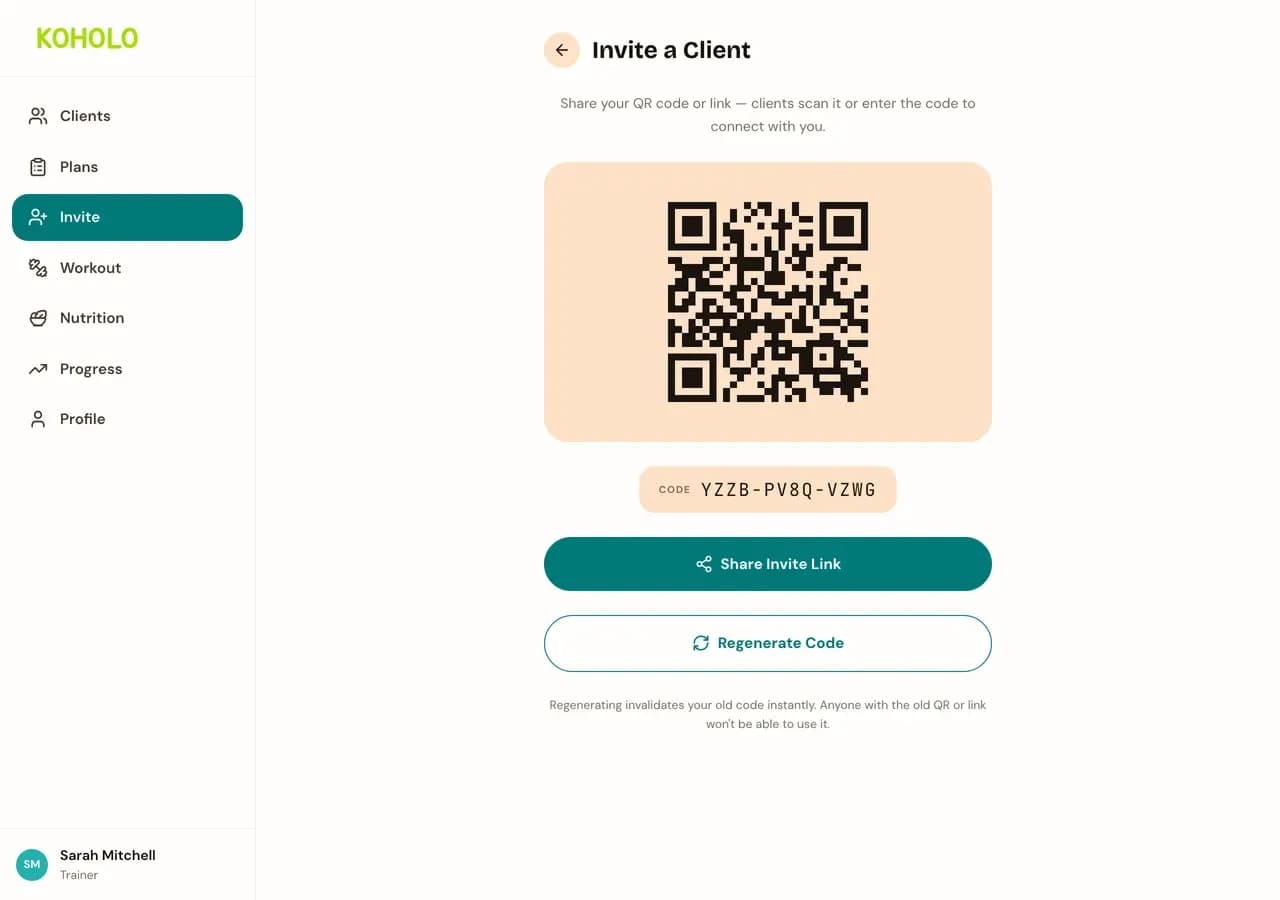
Sign up and choose the trainer role during onboarding. Once you're in, share your invite code or QR code from the Invite page — a client scans it or types the code, and the connection appears under your dashboard's Pending tab until you approve it.
2. Create a plan
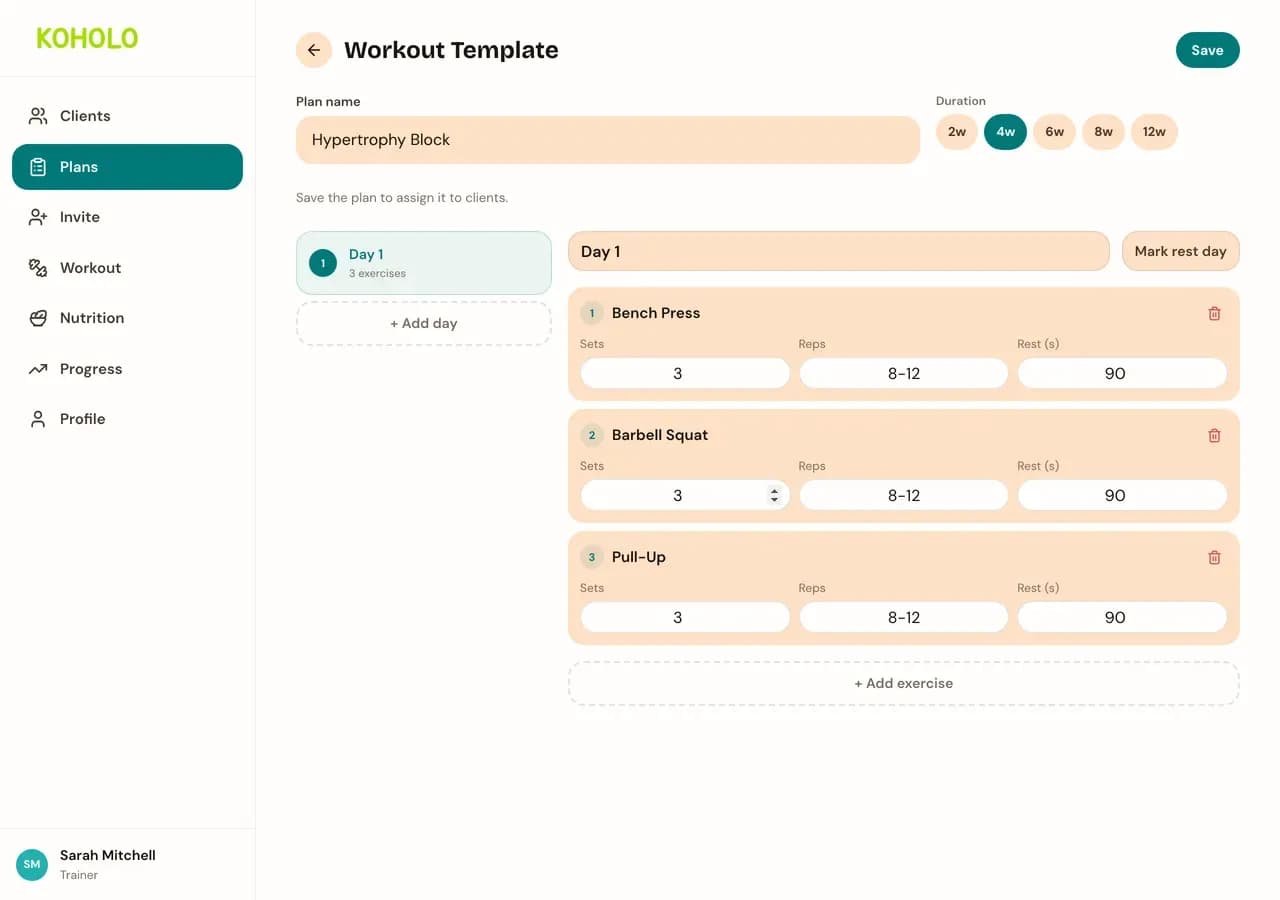
From Plans, start a new workout or nutrition template. Name it, set a duration, and add exercises from the built-in library — or set calorie and macro targets for a nutrition plan. Save it once, then reuse it for any client.
3. Manage your plans
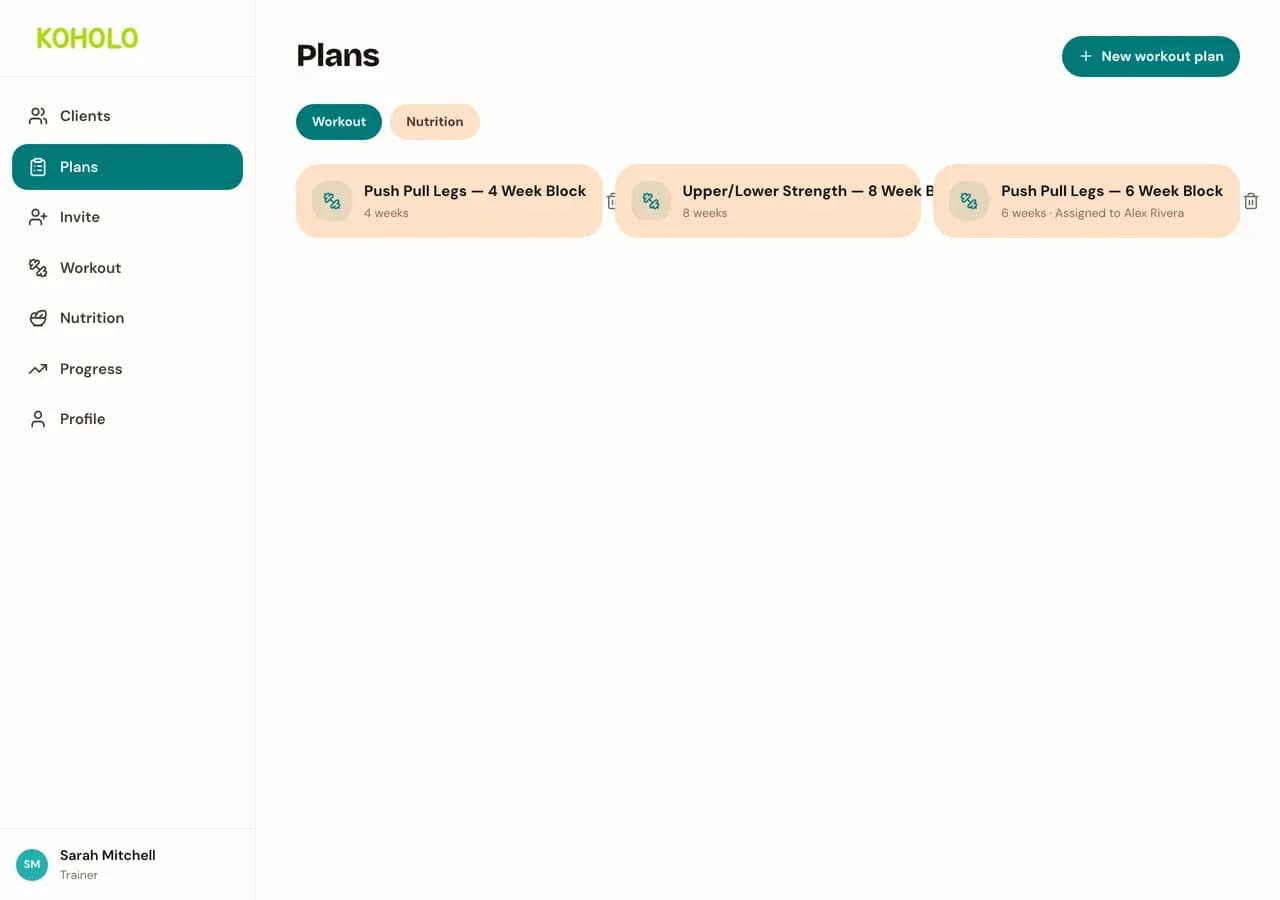
The Plans page lists every workout and nutrition plan you have created, including who each one is currently assigned to. Reuse an existing plan for a new client instead of rebuilding it, or open one to make edits.
4. Assign a plan to a client
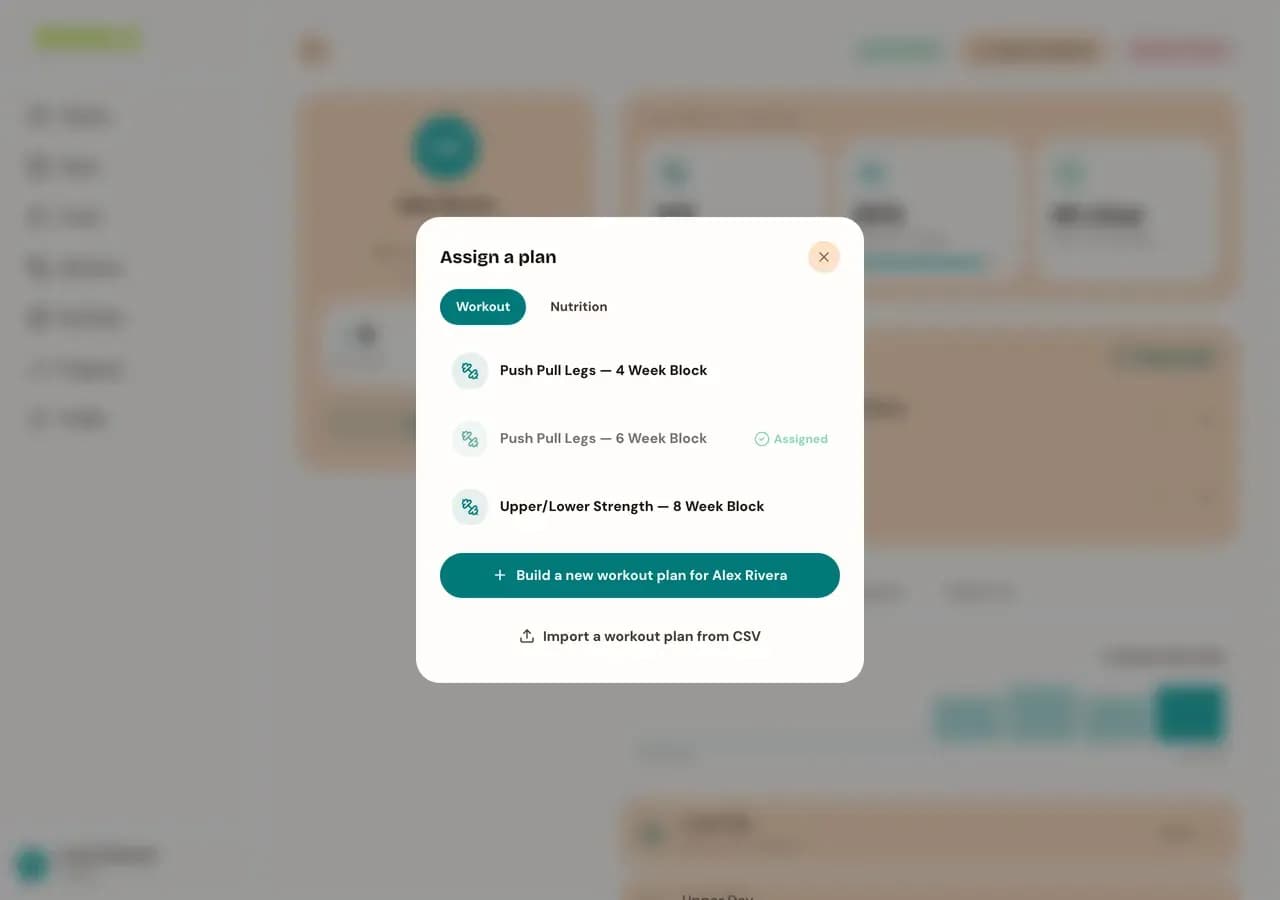
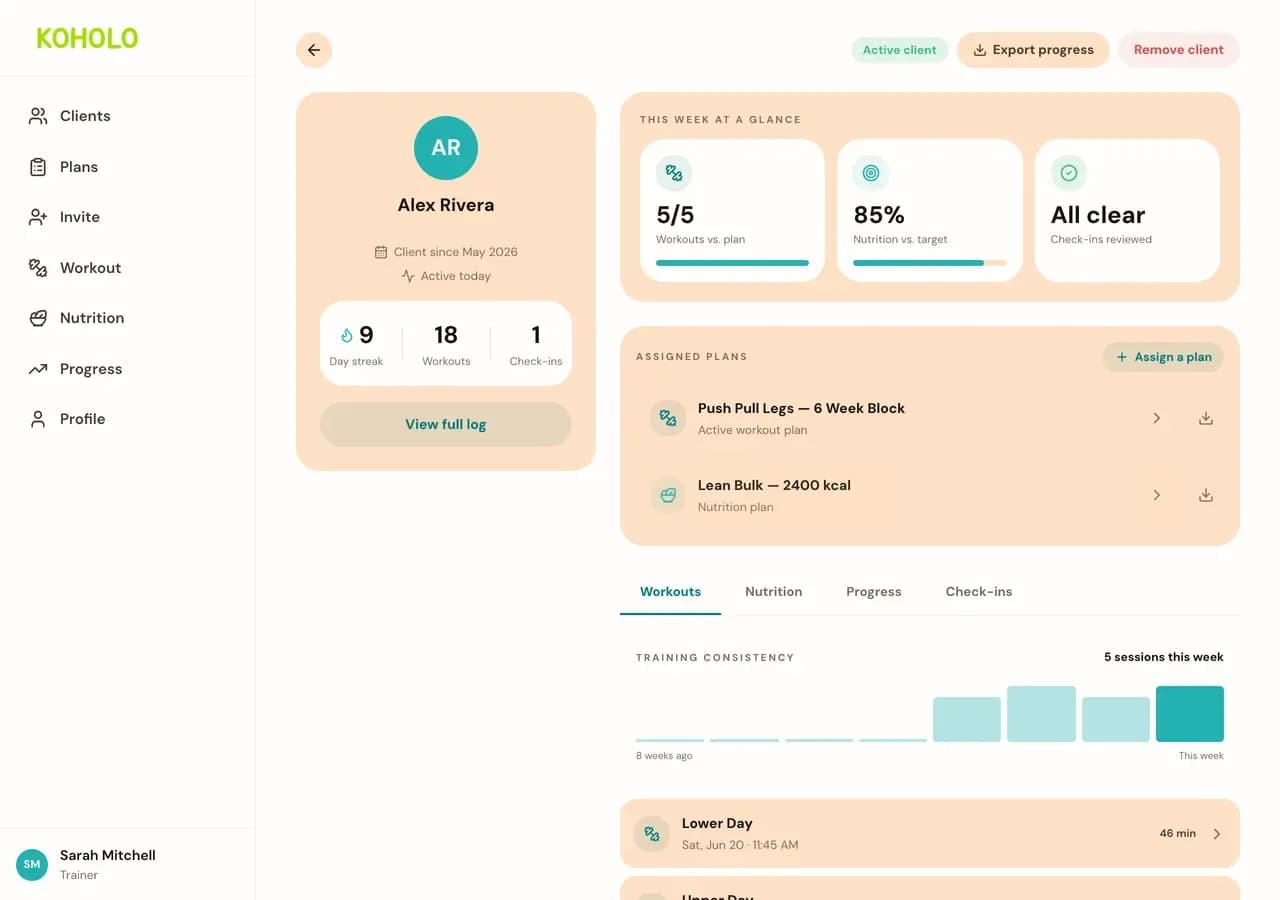
Open a client from your dashboard and select "Assign a plan." Choose an existing workout or nutrition plan, or build a new one on the spot — it is created and assigned to that client in one step.
5. Monitor client progress
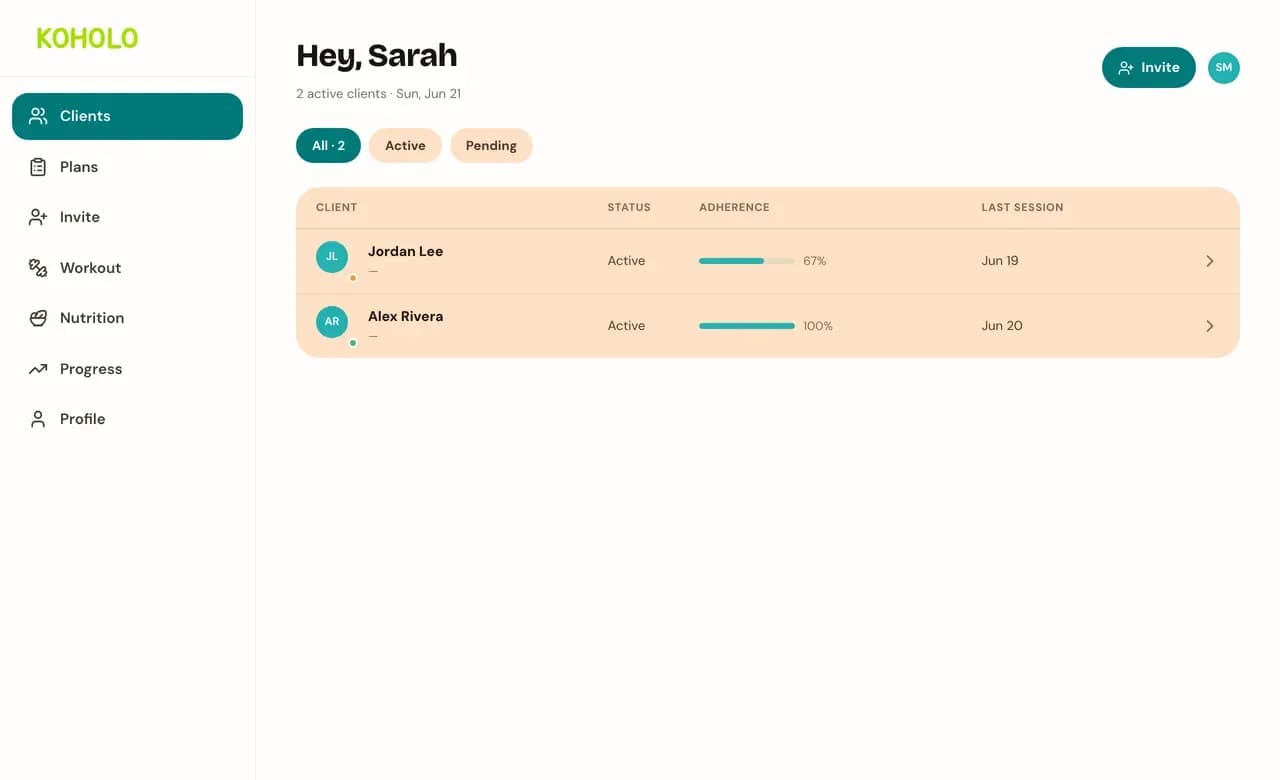
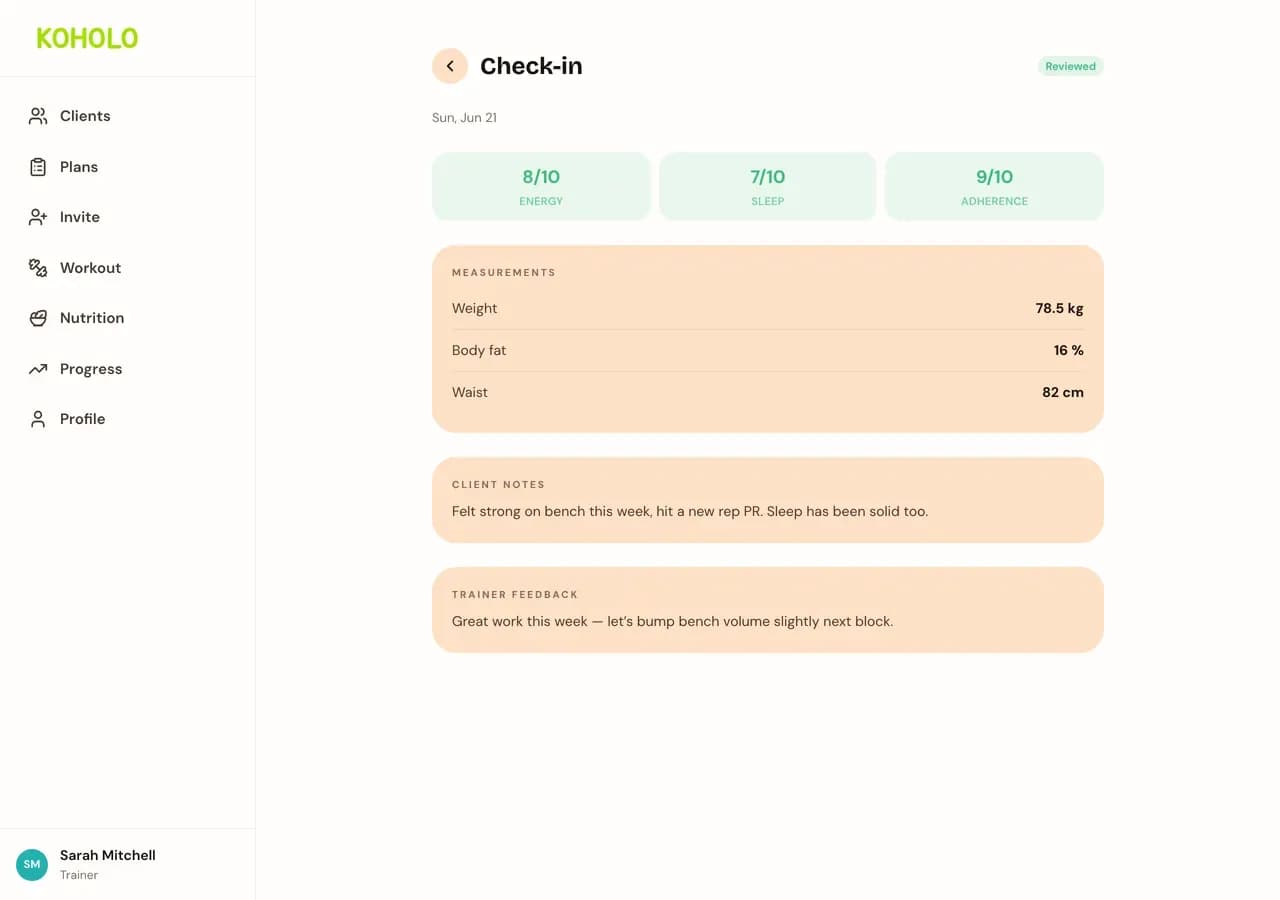
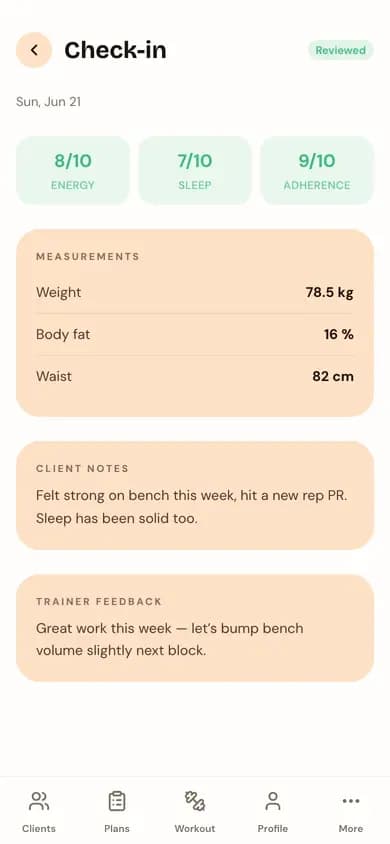
Your client list shows adherence and last session at a glance for every client. Open one for the full picture — workouts completed versus their plan, nutrition adherence, and training consistency over time. When a client submits a weekly check-in, open it to see their measurements and notes, and leave feedback before marking it reviewed.
Also works on your phone
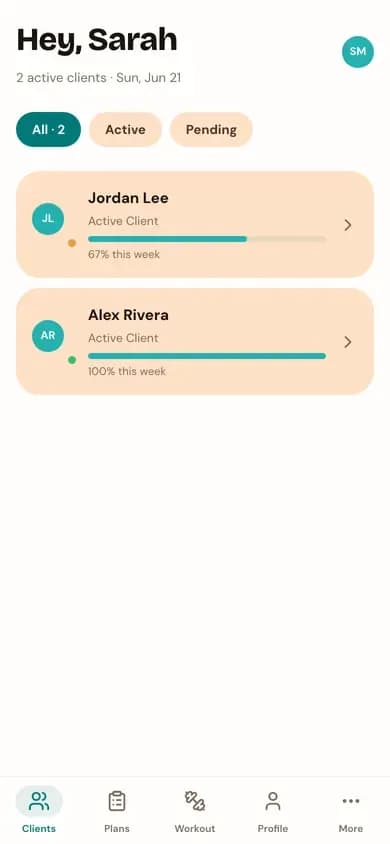
The same dashboard and check-in tools, reflowed for a phone screen with a bottom tab bar.
Ready to invite your first client?
Create your trainer account and get an invite code in under a minute.
We use analytics cookies to understand how the site is used. This choice only applies to public pages — we never track your workouts, meals, or other account data.